

Audio

Play Home Assistant audio through your stereo.
Read the guide: AudioLaunched 11 November 2026
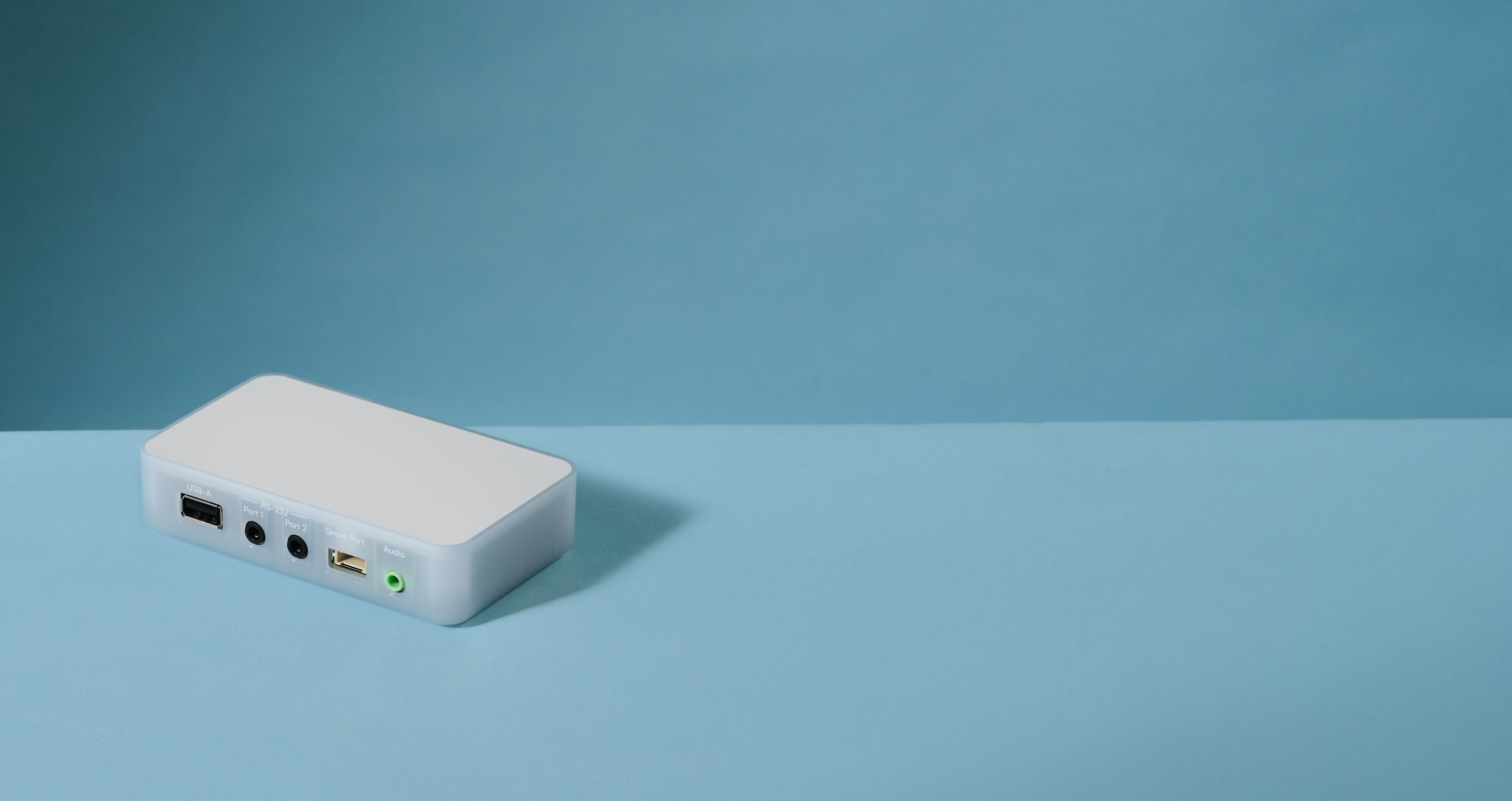
Home Assistant Connect AUX-2 streams lossless audio, controls devices over serial, is a Bluetooth hub, and lets you put your Z-Wave adapter in the best spot in your home.
Learn moreEvery AUX-2 sold helps fund Home Assistant's development.
Learn about our missionPlay Home Assistant audio through your stereo.
Read the guide: Audio
Control your TV and AV gear from Home Assistant.
Read the guide: TV
Bring Bluetooth devices into Home Assistant.
Read the guide: Bluetooth
Move your Z-Wave adapter closer to your devices.
Read the guide: Z-Wave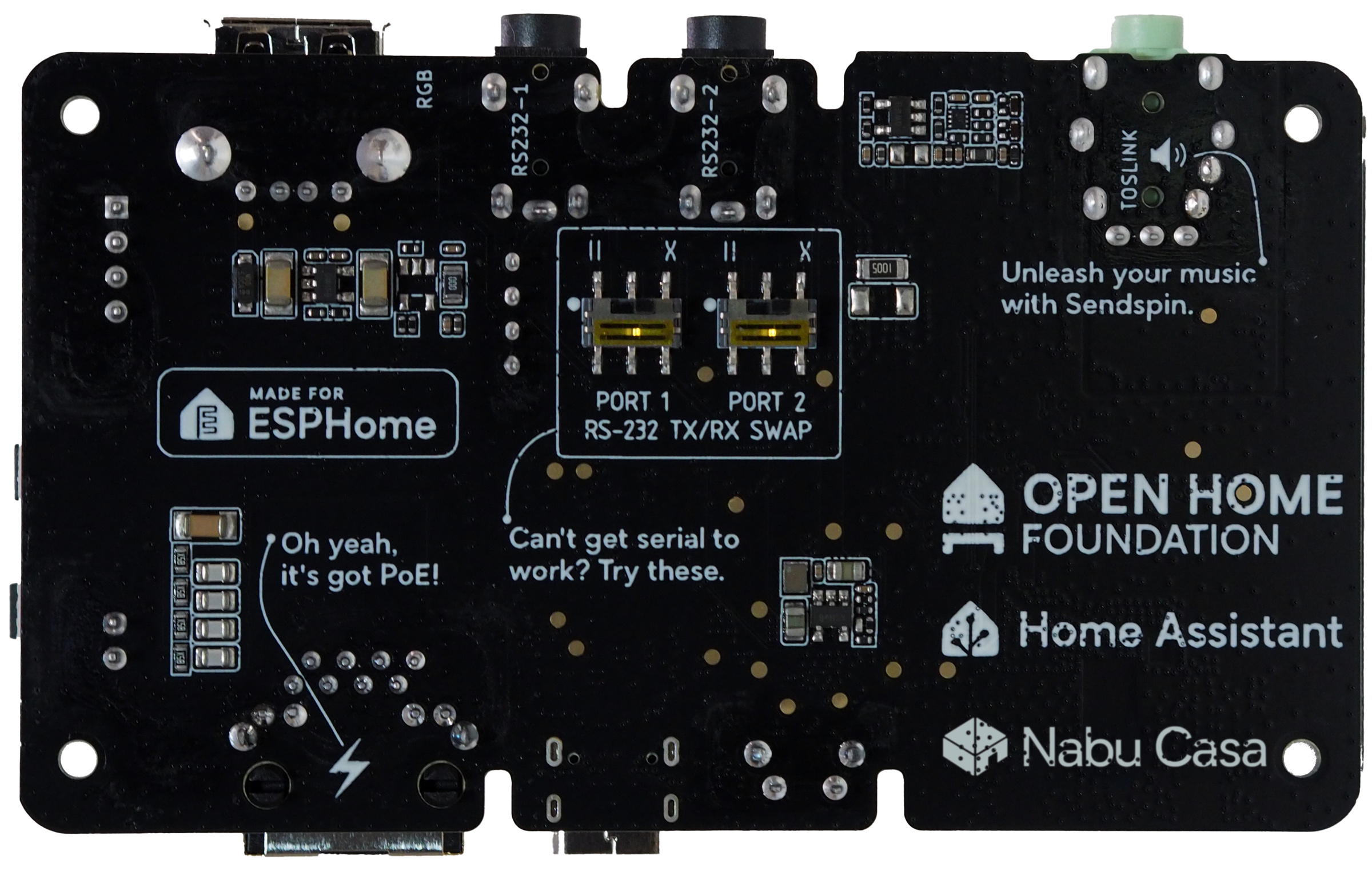
(coming soon)

(coming soon)


Yes. Connect AUX-2 is built to be a native Home Assistant device to give you full local control and privacy. To take advantage of these benefits, you'll need to run Home Assistant 2026.9 or later to setup and manage your system, and it will be added to the ESPHome integration.
No. Connect AUX-2 has been designed to play music rather than receive it, so only has an audio output.
No. Audio plays only through the 3.5 mm audio output.
No. Audio setups vary widely, from 3.5 mm AUX and RCA to dedicated RS-232 serial connections. Buying cables separately lets you choose the exact length and connector type that fits your equipment. See In the box (opens in a new tab) for what’s included.
No. It can only control serial devices that have an integration in Home Assistant.
Controlling devices over serial (RS-232) (opens in a new tab)
Yes, but we recommend caution. This setup hasn’t been widely tested yet, and the setup guide is in the developer documentation. It works only with ZHA, not Zigbee2MQTT, and needs Home Assistant 2026.11 or later.
No. Thread connectivity isn't planned for Connect AUX-2.
Specifications and resources: Connectivity (opens in a new tab)
Music Assistant, which is free. It discovers Connect AUX-2 automatically as a Sendspin player.
Any service that Music Assistant supports. Music Assistant plays from streaming services and from your own music files.
With any stereo, AV receiver, or powered speakers that have an auxiliary input. It doesn’t amplify, so unpowered speakers need an audio amplifier.
Yes. Music Assistant can group speakers to play in sync, including AirPlay and some Sonos speakers.
By USB-C (5 V, 2 A) or Power over Ethernet (802.3af or better), one source at a time.
Either one. Wi-Fi is 2.4 GHz only. Wired is recommended for the most reliable link.
Yes, if the receiver has an RS-232 serial port and a Home Assistant integration.